Scheduling app for iPhone and Android: Run your day from your phone.
Caletus is a free scheduling app for iPhone and Android. See today's meetings, share your booking link, join calls in one tap and get an alert when someone books, moves or cancels.


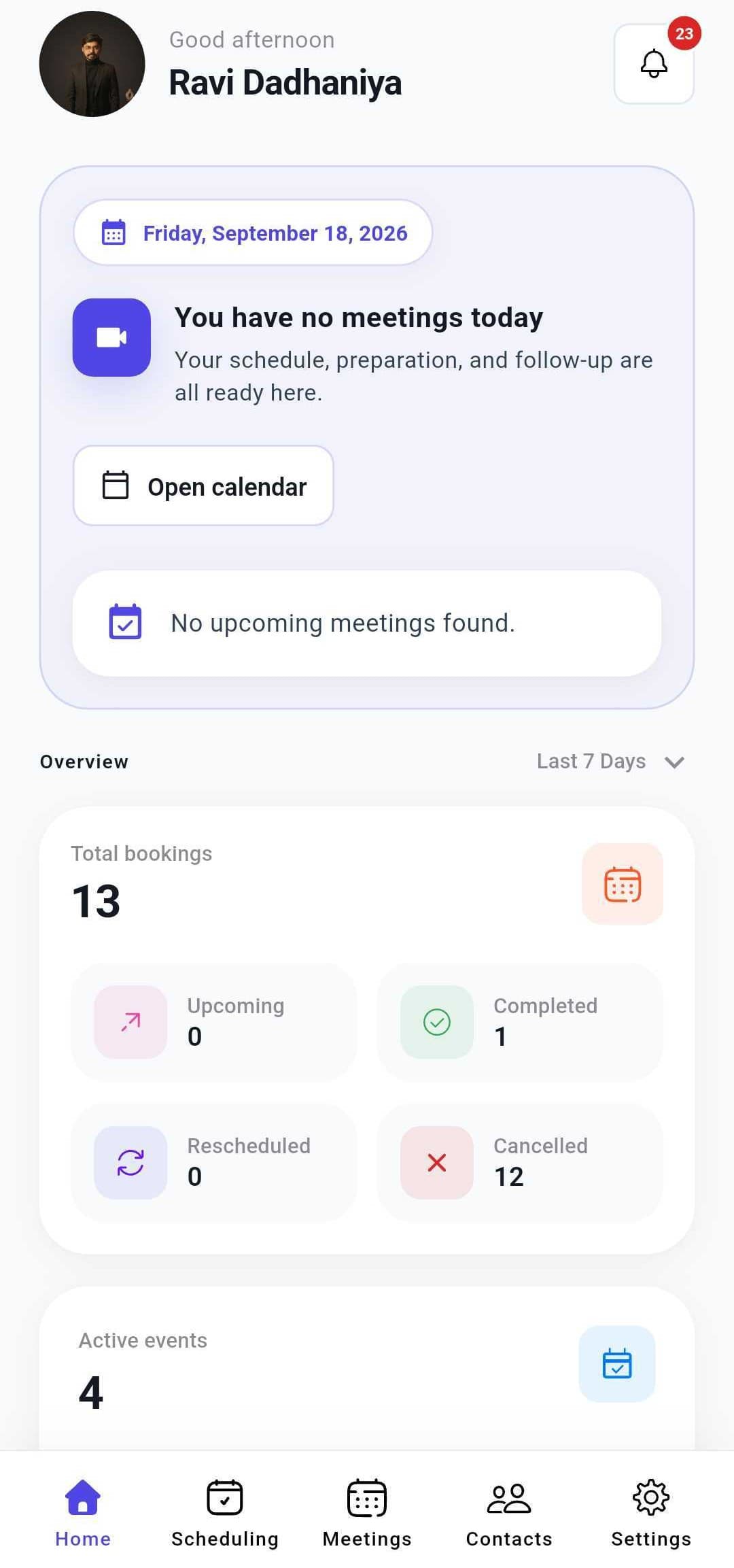
What you can do in the Caletus app.
The app has five tabs: your day, your booking links, your meetings, the people you meet with and your settings. Tap one to see what it does.
Phone app or web app: what goes where.
The app covers what you need between meetings. Bigger setup jobs live in the web app, and every change shows up in both.
- Alerts the moment a booking changes
- Share any booking link
- Today's agenda, with one-tap Join
- Reschedule or cancel a meeting
- Pause new bookings
- Team routing and round robin groups
- Roles and permissions
- Billing and workspace admin
What the app asks for, and why.
Two of the three are optional, and you can change any of them later in your phone's settings.
- Needed for alerts“Caletus” Would Like to Send You NotificationsSo you hear about new bookings, changes and meetings about to start. Never marketing.
- OptionalAllow “Caletus” to Access Your Calendar?Shows your phone's own events next to your meetings. Read-only, and never uploaded.
- OptionalAllow “Caletus” to Use Face ID?Unlocks the app without a password. Your face data stays in your phone's secure chip.
Download Caletus for iPhone and Android.
The Caletus scheduling app for iPhone and Android is free in both stores. Sign in with the account you use on the web, and your meetings are already there.
- iOS
iPhone and iPad
- Requires
- iOS 16 or later
- Unlock with
- Face ID or Touch ID
- Price
- Free
Free download - Android
Android phones and tablets
- Requires
- Android 12 or later
- Unlock with
- Fingerprint or face unlock
- Price
- Free
Free download
Caletus mobile app FAQs.
Quick answers about price, supported phones, video calls and what lives where.
Yes. The Caletus scheduling app is free to download for iPhone, iPad and Android from the App Store and Google Play. You sign in with your existing Caletus account, even a free one, and your booking links, meeting types and upcoming meetings are already there.
Yes. The Caletus mobile scheduling app runs on iPhones and iPads with iOS 16 or later, and on Android phones and tablets with Android 12 or later. Both versions are free, and you can lock the app with Face ID, Touch ID, a fingerprint or face unlock.
You can't set up team routing or billing from your phone. Those admin jobs live in the web app. Everyday tasks like sharing links, joining calls and rescheduling all work in the app, and anything you change on the web shows up on your phone right away.
Yes. Tap Join on any meeting in the Caletus app to open Caletus video, Zoom or Google Meet. Your next meeting always has a Join button, and the app can remind you before it starts, so you can join from wherever you are.
Yes, always. The app uses the same Caletus account as the web app, so a meeting you move on your phone moves everywhere, including your connected calendars. Changes you make on the web, like new meeting types or working hours, show up on your phone too.
Get your bookings on your phone.
Create your free Caletus account, then download the app and sign in. Everything you set up is waiting on your phone.
- No credit card required
- Two-way calendar sync
- Set up in under 2 minutes